




Search for "YouTube scheduler" and you get dozens of good tools. Almost all of them are built for the same job: a human has a finished video and wants to publish or optimize it. That is a real need, and those tools do it well.
AI-agent publishing is a different category. When an approved agent does the work across many client accounts, the hard part is not the posting form — it is access: finding the right asset, using the right channel, staying inside the right client's workspace, and never touching a raw credential. That is why this article is a market map, not a "best scheduler" list.
Schedulers help humans publish. Outloop helps approved AI agents operate.
The current YouTube creator stack
Most teams already run a stack that looks something like this. Each layer is useful, and none of them is the villain:
YouTube Studio
Native upload, scheduling, and channel management
TubeBuddy / vidIQ
Titles, keywords, tags, thumbnail testing, growth analytics
Canva / Descript / CapCut
Creative, editing, captions, thumbnails
Hootsuite / Buffer / Metricool / Later
Cross-platform scheduling calendars
Upload-Post / PostEverywhere / n8n / Blotato
Programmatic upload APIs and automation workflows
This stack works because a person sits in the middle. They know which client this is, where the final file lives, which channel is correct, and when to hit publish. Take the person out and hand the work to an agent, and every one of those decisions becomes an access question.
Market map: who does what
Here is the landscape by category. Read the last column as "not this tool's job for an autonomous agent" — not as criticism.
| Tool category | Examples | Best for | What it does not solve for AI agents |
|---|---|---|---|
| Native publishing | YouTube Studio | A human uploading, editing metadata, and scheduling by hand | No API surface for an agent to find files, act across clients, or run unattended |
| SEO / growth tools | TubeBuddy, vidIQ | Title and keyword research, tags, and thumbnail testing for a video a human is already publishing | They optimize metadata; they do not give an agent approved access to files, channels, or upload APIs |
| Social schedulers | Hootsuite, Buffer, Metricool, Later, SocialPilot | A team planning a content calendar across social channels | Assume a human already picked the file, channel, and time; no agent runtime access or per-client policy |
| Agency / team calendars | Sendible, Agorapulse, Loomly | Human teams coordinating client content, approvals, and roles | Approvals are built for people, not agents; no secret-safe API access or wrong-client guardrails |
| Programmatic upload APIs | Upload-Post, PostEverywhere | Developers who want one REST API to publish or schedule to YouTube and other platforms from code | You still hold and manage the API key and per-client separation yourself; no host-side credential redaction or workspace policy |
| Workflow automation | n8n, Blotato | Connecting steps, cross-posting, and publishing media that is already reachable | The credential lives in the workflow or connection; no tenant policy or redacted audit around what the agent can reach |
| AI agent runtime access | Outloop | Giving an approved agent policy-scoped access to Drive / Shared Drive files and YouTube APIs across client workspaces, without seeing raw credentials | This is the runtime access layer the other tools assume you have already built |
Why schedulers are not enough for agents
A scheduler is a form. It works because a human already made the decisions and just needs the post queued. Before that form is filled, someone already knew:
An AI agent needs access to discover and operate, not just a form to fill. It has to open the right client's workspace, find the correct version of the video and its thumbnail, confirm the channel, prepare metadata, request approval, upload, schedule, and verify — repeatedly, across many clients, without ever holding a raw key. A posting calendar was never designed for that.
The real agency workflow
Here is what the flow actually looks like when an approved agent does client YouTube work through a runtime access layer:
The agent drives the workflow; Outloop decides what it is allowed to reach and applies the approved credential host-side. This is the same sandboxed-agent + Google Drive pattern agencies hit whenever the agent is isolated from the real workspace.
Why Google Drive matters
Agency assets live in Google Drive and Shared Drives — final renders, thumbnails, caption files, brand kits, and version history. The bottleneck is usually not writing the title. It is finding the right asset, the right version, the right thumbnail, and the right channel without forcing the operator to copy files into a sandbox by hand.
With Outloop, the agent works inside the approved Google Drive or Shared Drive locations you grant, scoped to the right client workspace — never all of Drive, and never by handing the agent a token. It can find, download, and organize approved files host-side, so the operator stops being a file courier. The deeper mechanics are covered in Google Drive for AI agents and real client file work.
Why the YouTube API matters
When it is available, API publishing beats fragile browser or manual upload. Through the YouTube Data API an approved agent can:
- ✓Upload the video
- ✓Set the metadata
- ✓Upload the thumbnail
- ✓Schedule the publish
- ✓Verify the result
- ✓Leave an audit trail
One honest caveat: do not assume every YouTube action is available through the API. Pinned comments and some managed-comment actions may still require manual YouTube Studio unless that specific comment-management capability is separately enabled and proven. The YouTube Data API setup guide walks through the OAuth scopes and channel binding; writes are enabled deliberately, not on by default.
Where Outloop fits
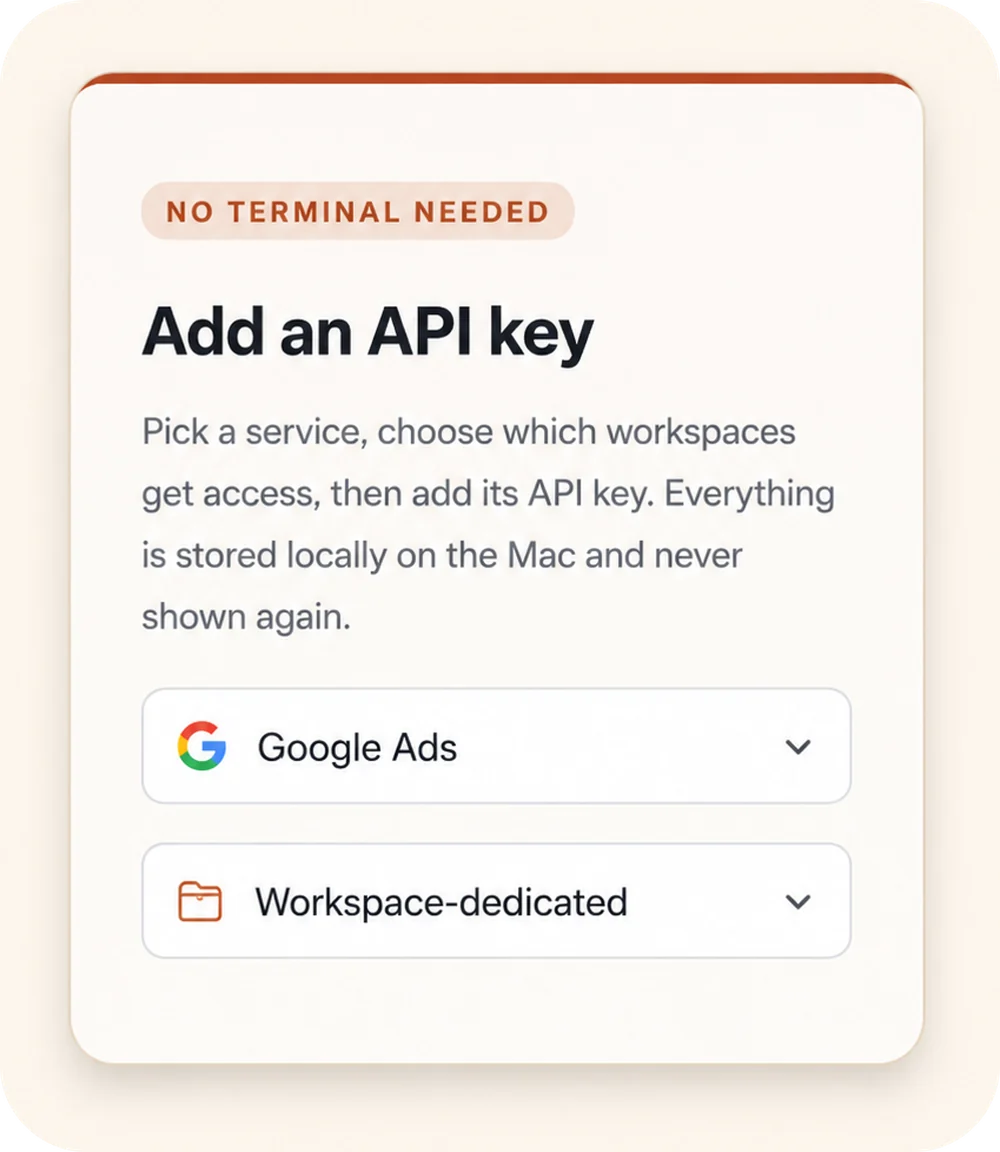
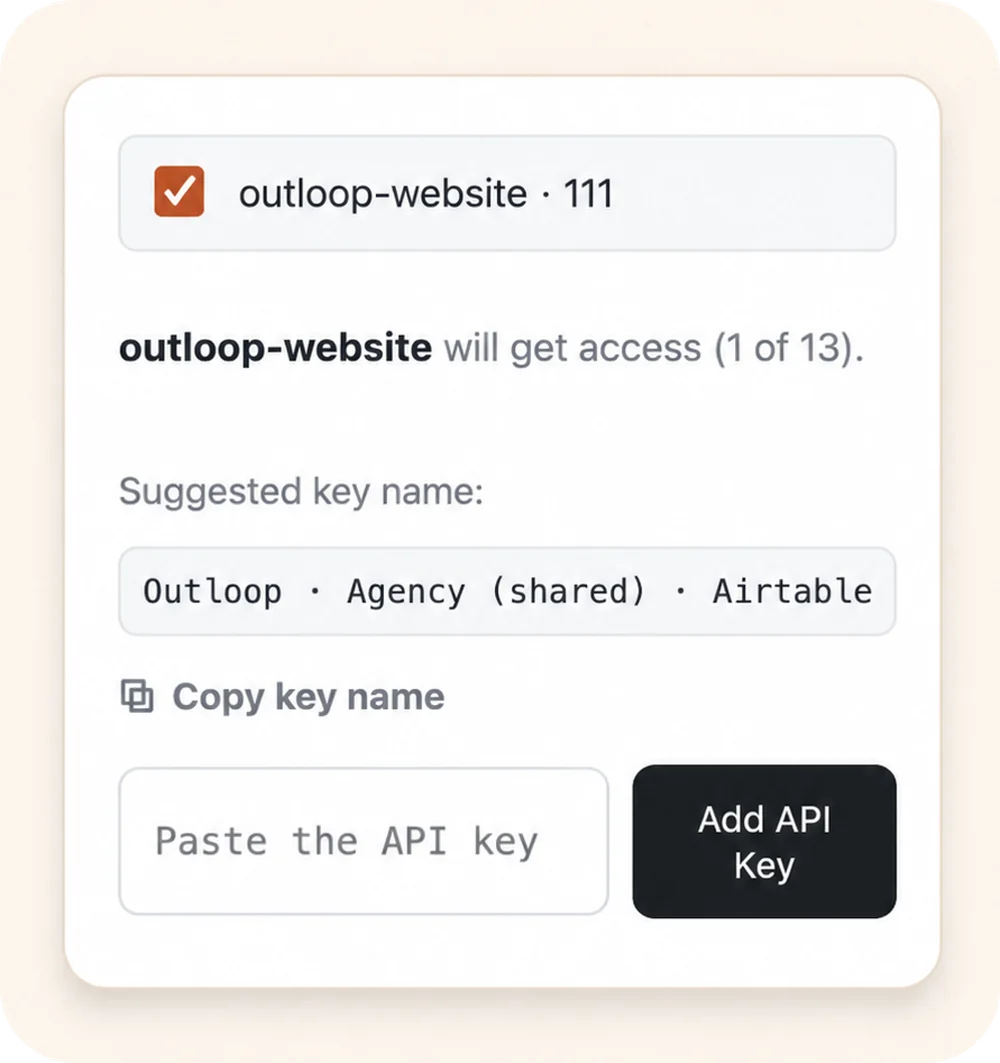
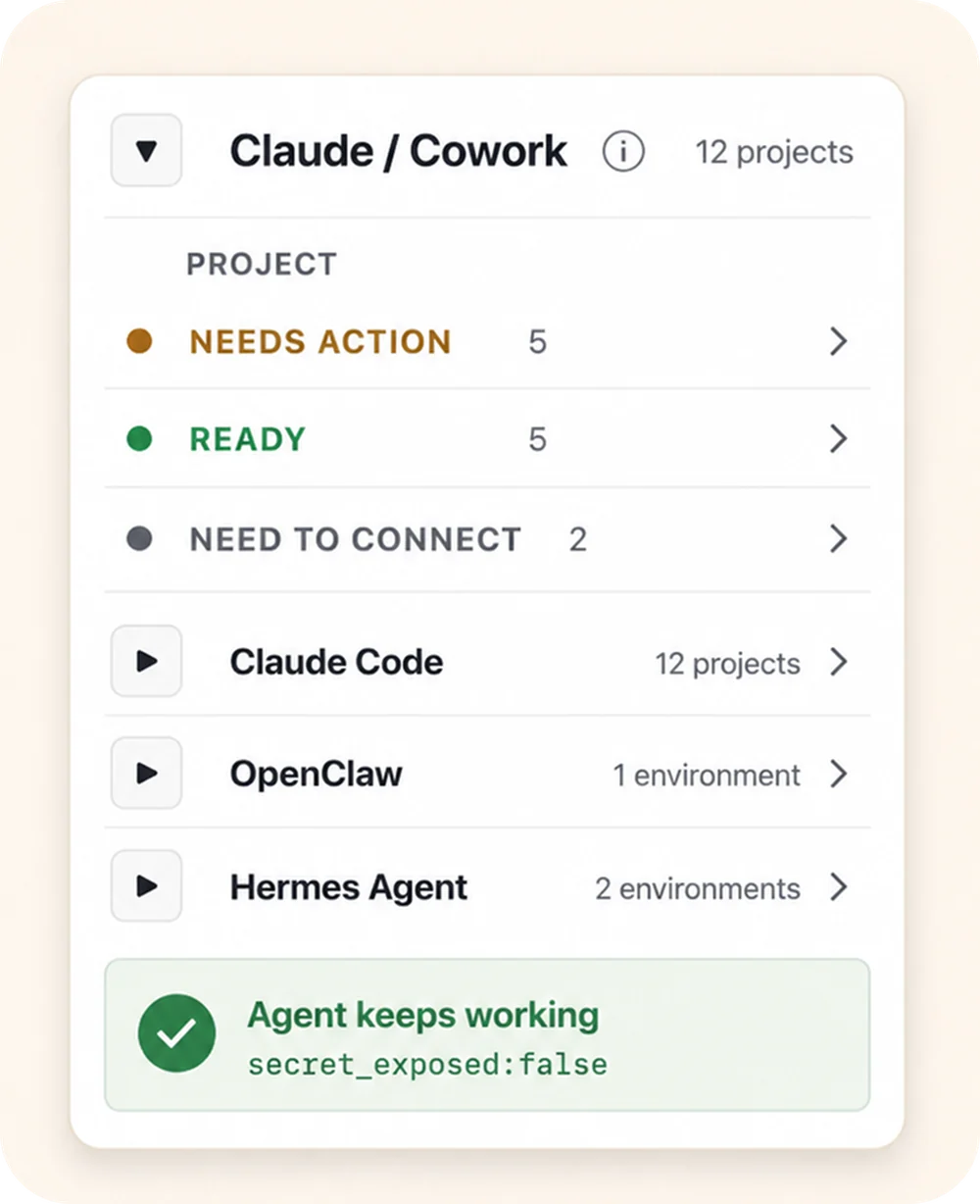
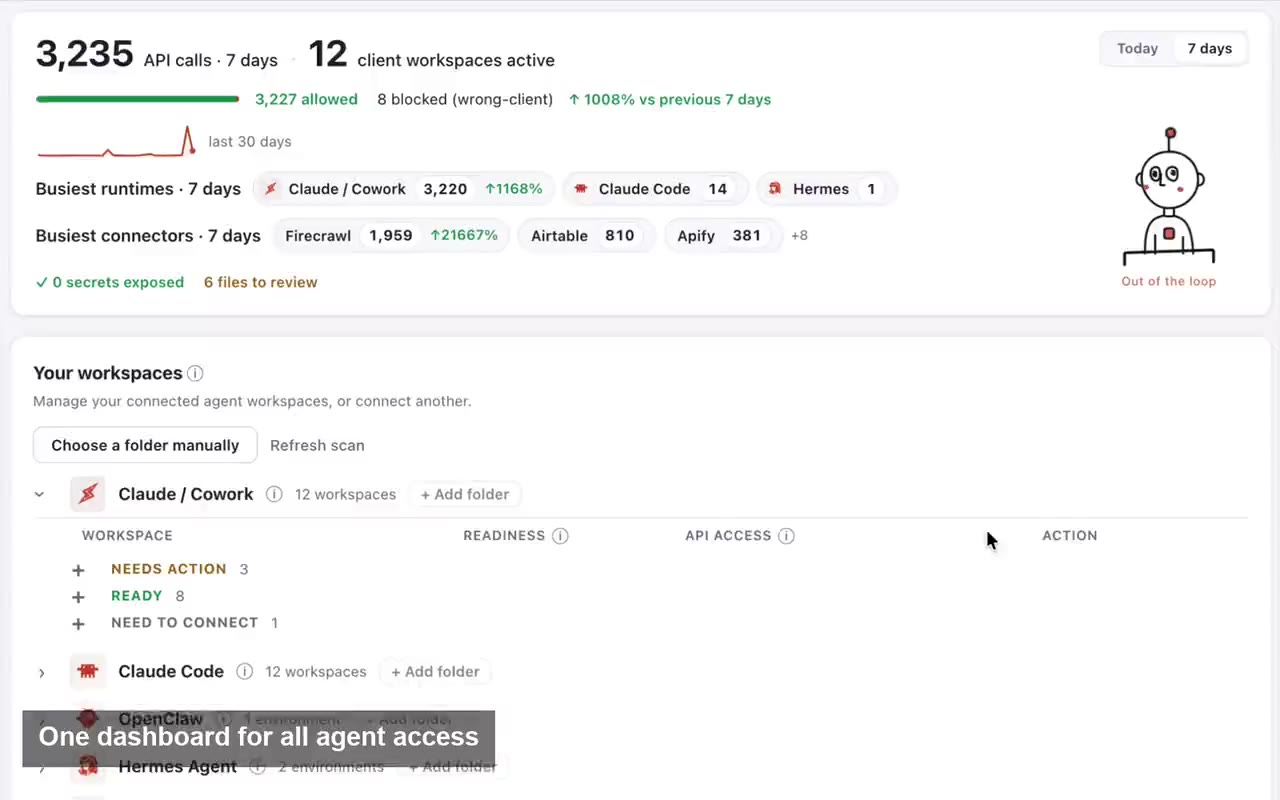
Outloop does not replace YouTube Studio, TubeBuddy, vidIQ, or a scheduler. It sits underneath the agent as the runtime access layer, so the agent can use files and APIs safely across client workspaces. Outloop controls:
- →Tenant / workspace scope
- →Approved service access and allowed hosts
- →Allowed actions, and OAuth / API access
- →File and media operations inside approved Drive / Shared Drive boundaries
- →Audit and redaction, and destructive-action gates
- →Proof such as
secret_exposed:false
What happens when the agent requests an approved API action
- 01
Client task
Start with the intended client and a defined result.
- 02
Approved Workspace
Use this client’s Context, accounts and resources.
- 03
Supported action
Work through the approved API, browser or file path.
- 04
Reviewable result
Inspect the output and involve a person where required.
- 05
Work history
Keep the work record with the intended Workspace.
Conceptual workflow. Supported actions depend on the configured service, runtime and approved resources.
Real proof
We verified this in a real internal workflow test: an agent uploaded and scheduled a long-form
YouTube video through Outloop, then uploaded the thumbnail, with the channel identity verified
first and secret_exposed:false on every request. The
raw OAuth token, client secret, and upload-session credentials stayed local and were applied
host-side — used on the wire, never placed in the agent's context.
For agencies running many clients, the deeper point is the same as the wrong-client problem: the question is not only "can we upload a video?" — it is "can the agent upload the right video to the right channel, under the right policy, without seeing the credential?"
When to use each tool
| Reach for | When |
|---|---|
| YouTube Studio | You are a solo creator uploading manually |
| TubeBuddy or vidIQ | You need SEO, title research, keyword ideas, or thumbnail testing |
| Hootsuite / Buffer / Metricool | You mainly need a content calendar across social channels |
| Upload-Post / PostEverywhere | You want a programmatic publishing API to call from your own code |
| n8n / Blotato | You need workflow automation or cross-posting of ready media |
| Outloop | You want an AI agent to work with approved Drive files, thumbnails, YouTube channels, and client workspace access — without manual file handoffs or raw secret exposure |
Bottom line
Keep the tools that serve you. Use YouTube Studio for manual uploads, TubeBuddy or vidIQ for SEO, a scheduler for your calendar, and a programmatic API or automation tool when you publish from code. They all assume a human — or your own code — already decided which file, which channel, and which key to use.
When an AI agent does that work across many clients, add the layer none of them provide: approved, per-client runtime access to Drive files and YouTube APIs, an approval gate before writes, wrong-client protection, and a redacted audit trail. AI agents should not need your API keys — they should request approved runtime access. That is where Outloop fits.
Keep reading
- →Google Drive + Outloop for sandboxed Claude Cowork workflows
- →Blotato vs Outloop for YouTube AI agents
- →Connect a YouTube private channel to AI agents with Outloop
- →Connect Google Drive and Shared Drives to AI agents
- →Browser automation vs API access for AI agents
- →The AI Marketing Agency Operating Playbook