




What “AI for marketing agencies” means in practice
In a demo, an AI worker drafts an ad, writes a report, or summarises a spreadsheet. That part is solved. Client work is a different problem: the same task has to run inside a specific client’s Google Ads account, that client’s GA4 property, that client’s Drive — with that client’s brand rules, and with a person still approving what goes out.
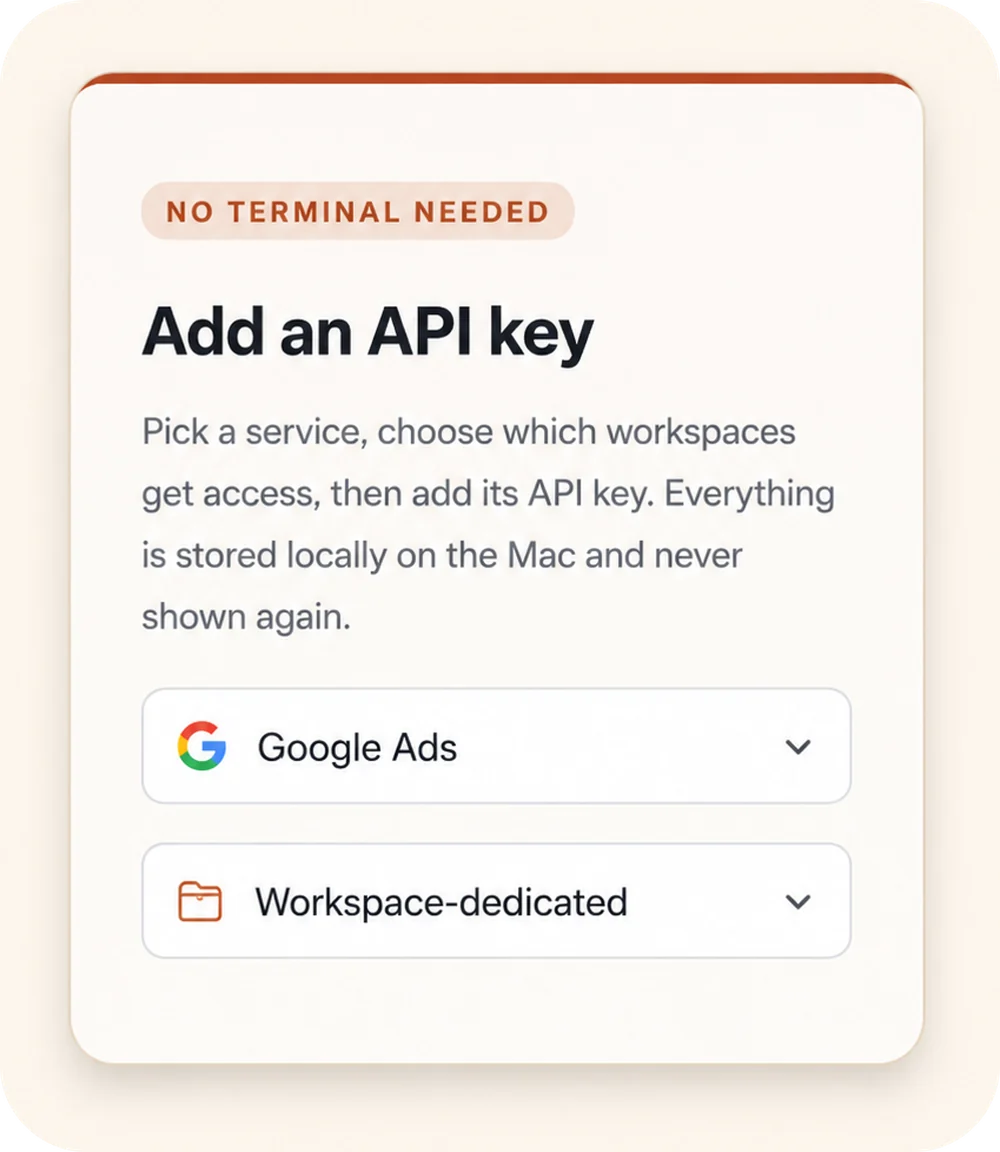
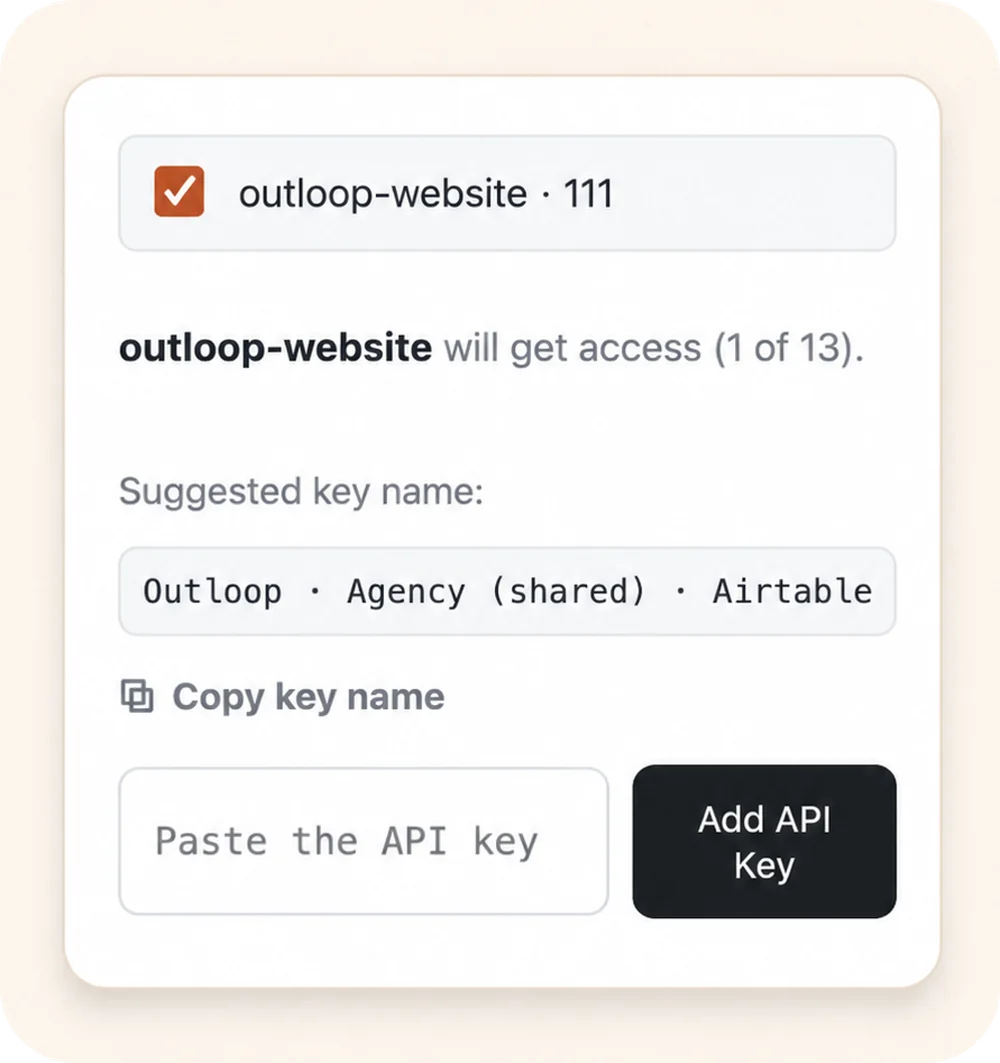
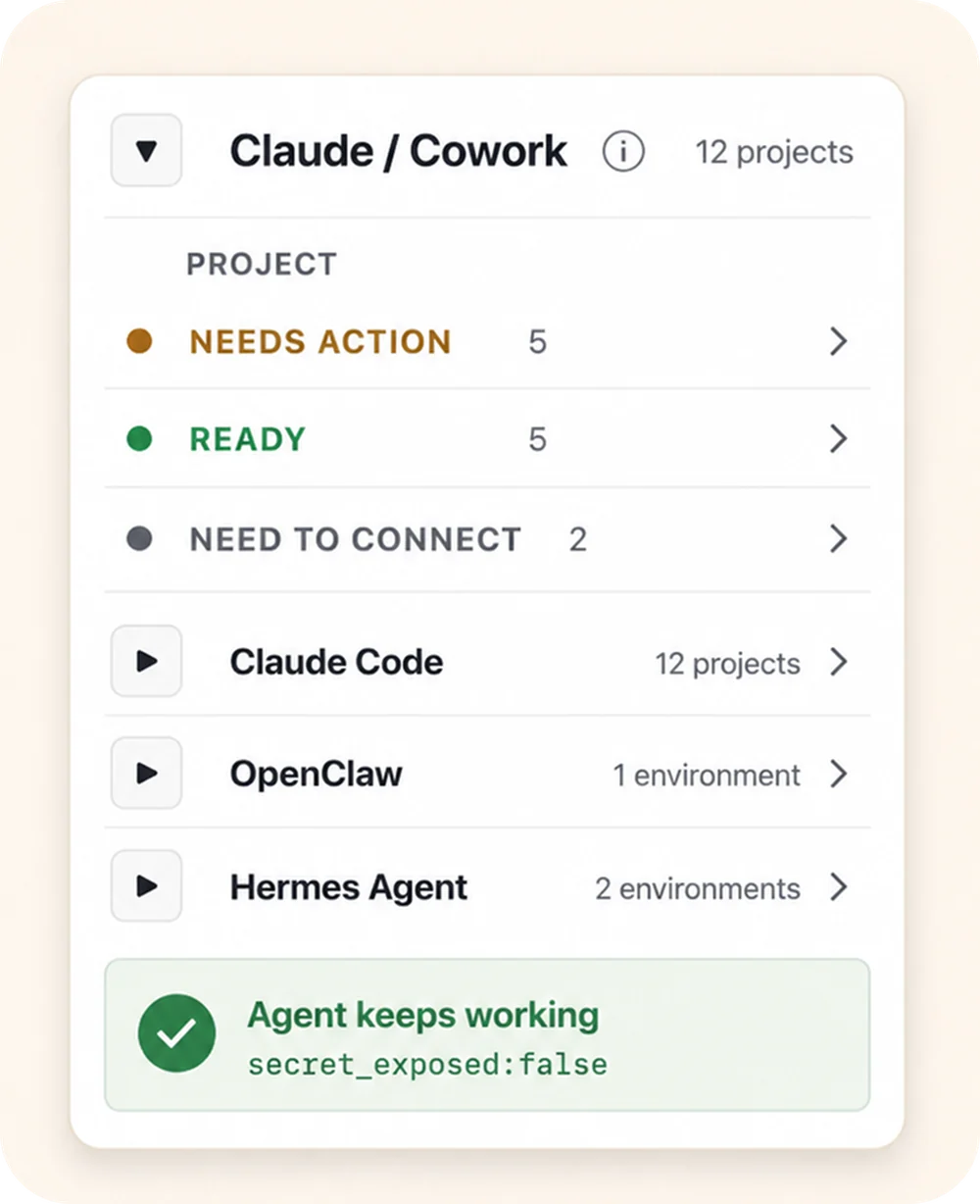
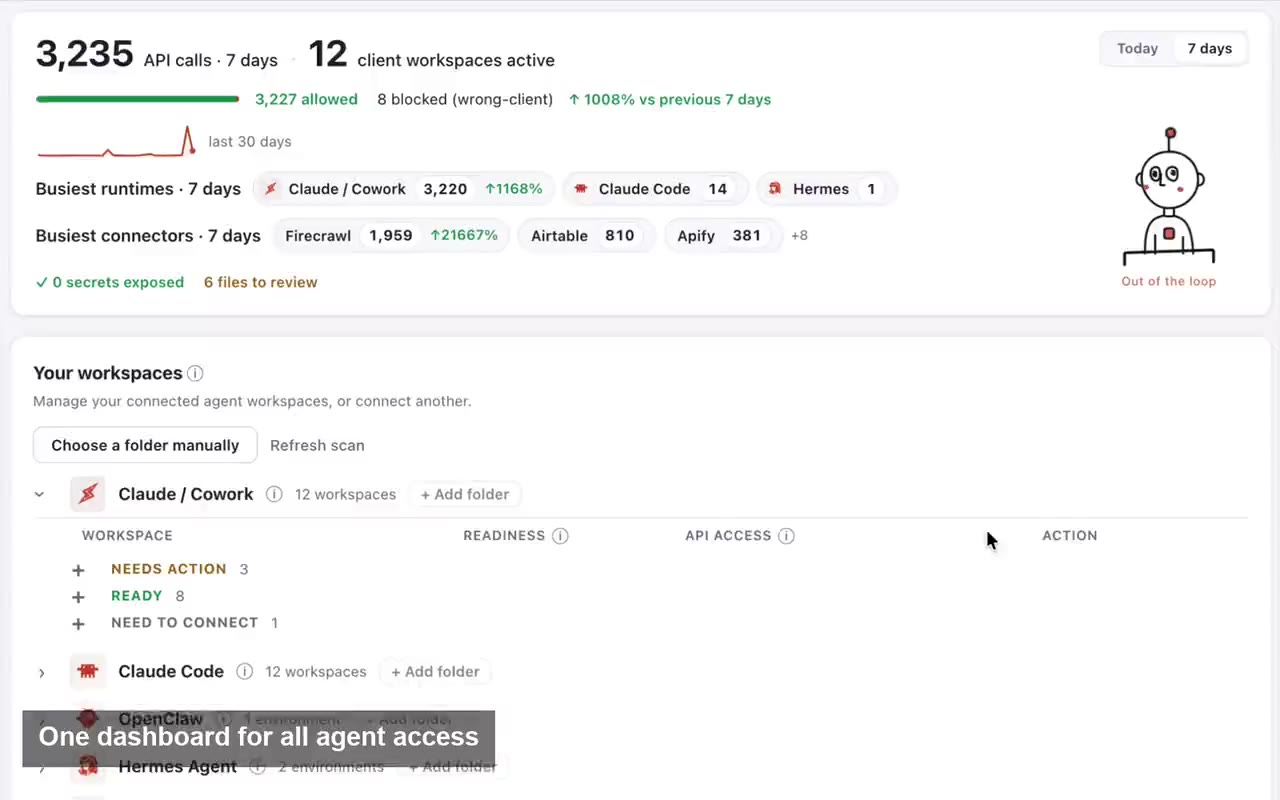
So the practical question for an agency is not which model to use. It is whether an AI worker can reach the right client’s systems, with the right permissions, without a person hand-feeding credentials for every client, and without one client’s work ever touching another client’s account. The model will change more than once; the client’s workspace, context and approved access should not have to be rebuilt when it does. That is the layer this page is about.
This page is for agencies deciding how to run AI on client work. If you are still asking what an AI agent for marketing actually is and what it needs, start with AI agents for marketing.