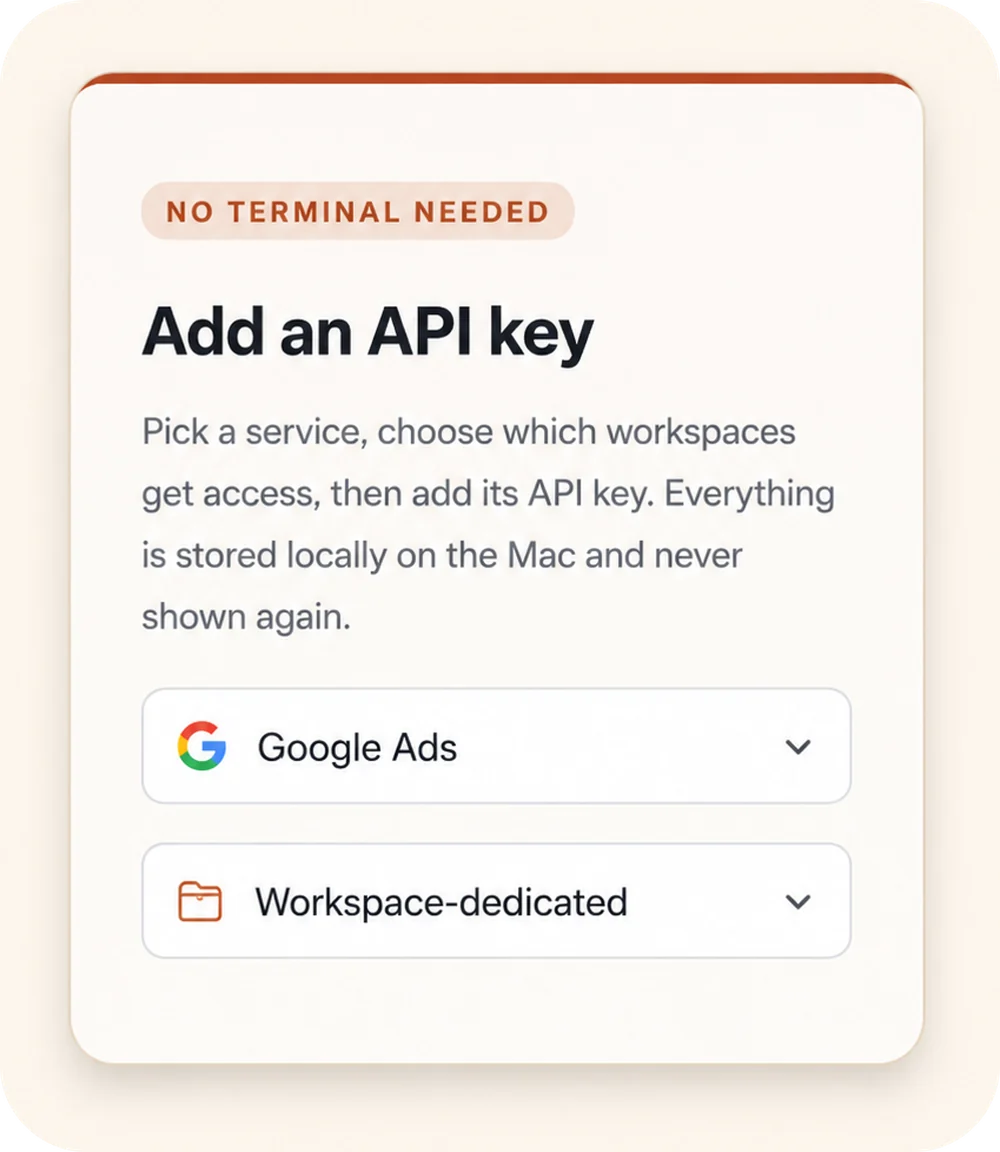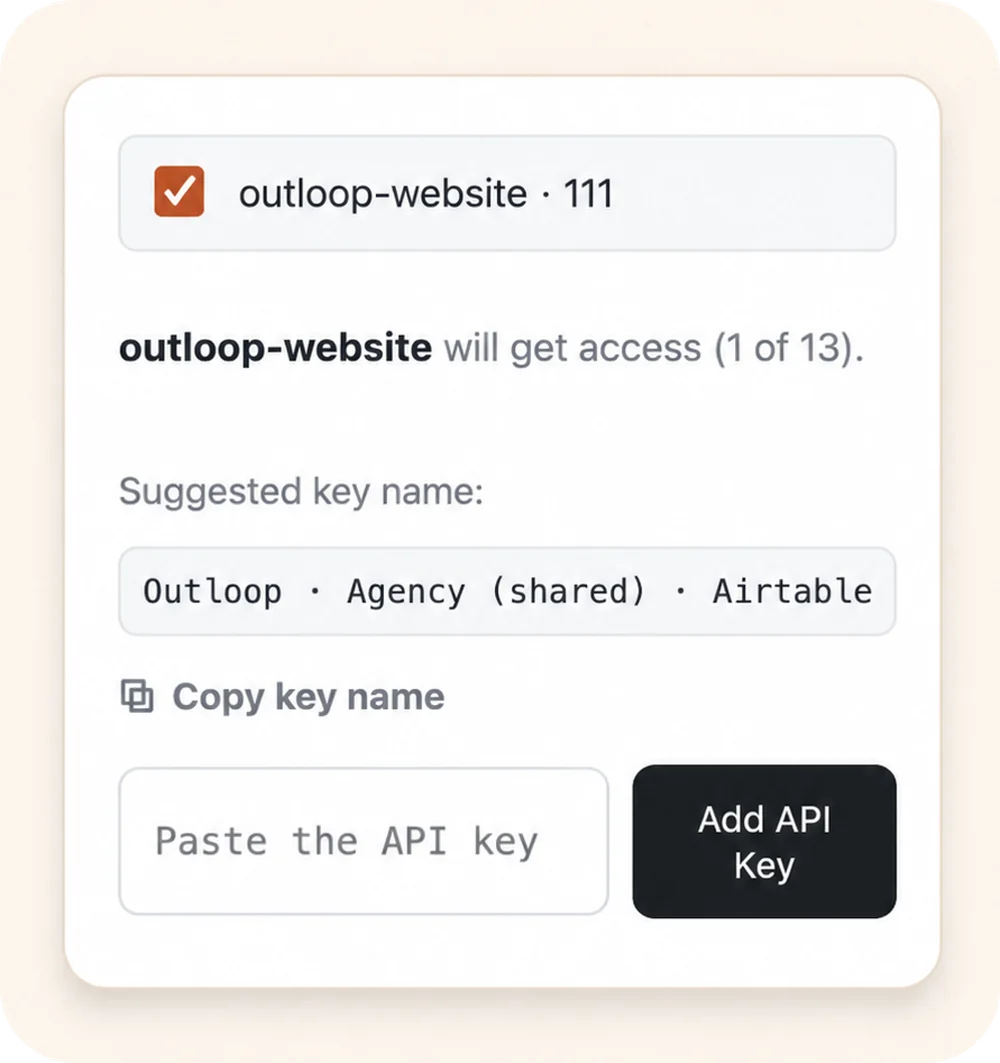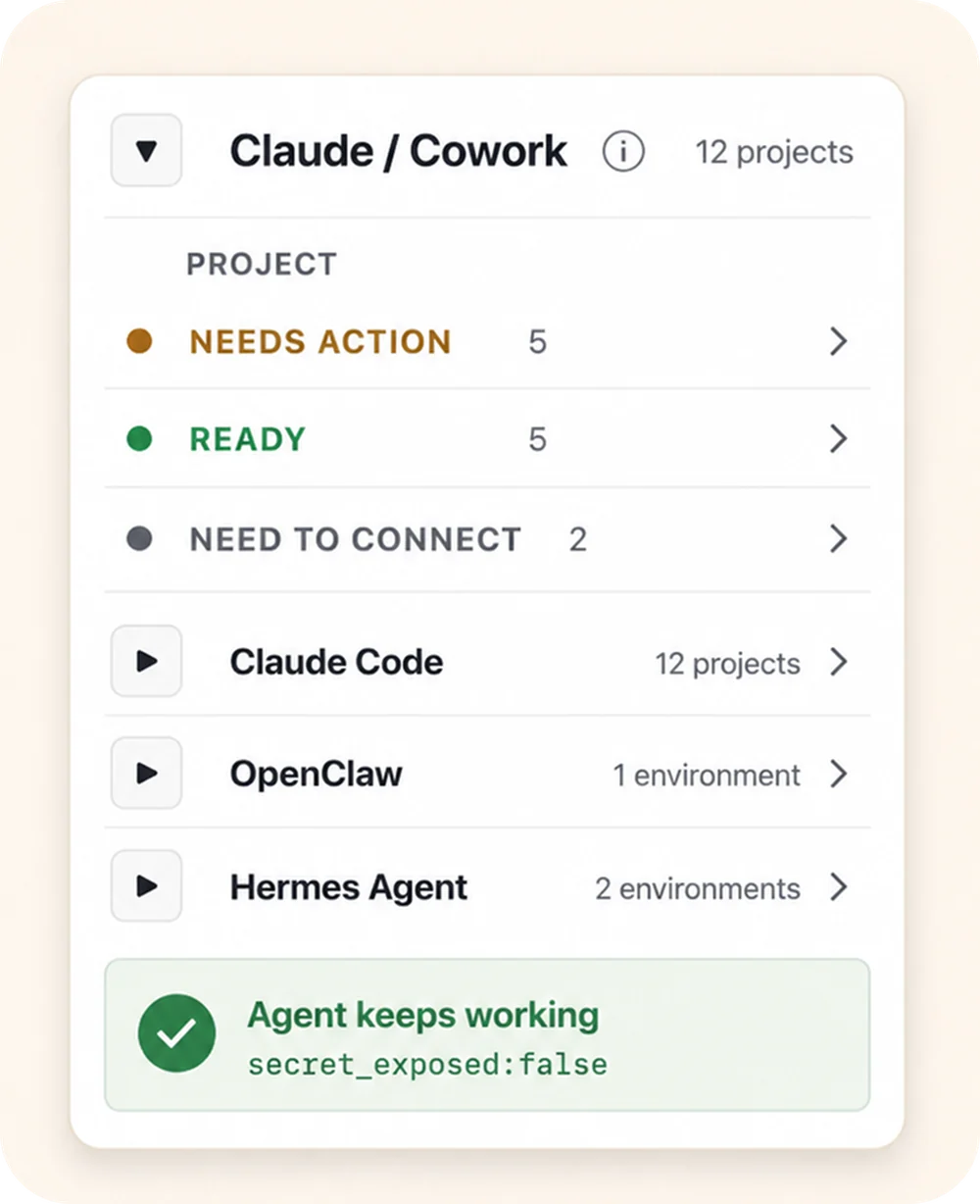




This usually gets filed as a security task. The pain operators actually feel is workflow: you want Claude Code, Cursor, or Codex to do real work against a CRM, ads platform, or email tool — and the only way they know to do it is to hold the key. So you paste one, and now the secret lives somewhere the agent can read it, echo it, commit it, or copy it into the wrong client's folder.
The durable fix is not to police the key — it is to make sure the key was never in the agent's reach. The numbers back the urgency: GitGuardian's State of Secrets Sprawl 2026 found Claude Code-assisted commits leaking secrets at roughly twice the baseline rate. More: AI agent credential leak statistics.
Why .env and .gitignore aren't enough
A .env file plus .gitignore
keeps a key out of your repository. It does nothing about the agent running locally, which can
open the file, print it to a log, or duplicate it into the next workspace. The leak surface is the
filesystem and the chat, not just git — see
why .env files break down for AI agents.
Hide the key in five steps
The shift is from "give the agent the key" to "give the agent an approved action":
- 01 Move keys out of the project. Store API keys in a secure local backend — macOS Keychain, 1Password, Infisical, or Doppler — never in a .env file or any folder the coding agent reads.
- 02 Put a local access layer in front. Give the agent an approved-access path instead of a key field, so it can reach a service without holding the credential.
- 03 Request actions, not secrets. The agent asks for an approved action or alias; the local broker checks policy and applies the credential host-side.
- 04 Redact the result and audit it. Only a non-secret, redacted result returns to the agent, and every attempt is written to a local audit log.
- 05 Scope access by client. Bind each workspace to its tenant so a credential cannot be used on the wrong client account, even by mistake.
What happens when the agent requests an action instead of a key
- 01
Agent request
The agent asks for an approved action or alias — not a raw key.
- 02
Policy & tenant check
Outloop checks project, tenant identity, and runtime policy before anything runs.
- 03
Local broker
On approval, the local broker uses the credential on the wire to perform the call.
- 04
Redacted result
The agent receives a sanitized, non-secret result. Raw values never enter its context.
- 05
Audit log
Every attempt is written to a redacted local audit — decision, tenant, service.
The agent never sees the credential. A wrong-tenant request is denied at the policy check, before any backend call.
What this gets you
- ✓The agent has no raw key to print, commit, or paste — the leak surface is gone, not policed.
- ✓Secrets stay in your existing vault or keychain; no plaintext keys in project files.
- ✓Wrong-client use is blocked by policy before any backend call runs.
- ✓Every attempt is written to a redacted local audit — one trail across every client.