




Why real agency agents break on file access
A demo agent writes a caption and everyone claps. A production agent has to put the finished video in the client’s Shared Drive, name it the way the client’s team expects, drop the thumbnails next to it, export the report, and delete its own scratch files. That second half is where agency agents actually fail — and they fail on access, not intelligence:
- →Browser uploads fail. Driving the Drive UI depends on a live session and current page behavior. Fine while a human is watching; brittle the moment nobody is.
- →MCP connectors can be limited. A connector may cover search-and-read but not the full upload / move / rename / cleanup lifecycle a real workflow needs — and it doesn’t decide which client’s Drive the agent should be in.
- →Local Drive sync is not deterministic. Dropping a file into a synced folder and hoping it lands is timing-dependent. Scheduled agents can’t wait and see.
- →Files land in the wrong folder. Files are the most client-visible material an agency touches. A deliverable in the wrong client’s Shared Drive is a mistake the client sees before you do.
- →The human gets pulled back in. Every one of these failures ends the same way: someone on your team uploads, renames, moves, and cleans up by hand — the exact loop the agent was supposed to close.
Handing the agent a Drive OAuth token doesn’t fix this either — it just adds the standard raw-credential problems (the API key management pillar covers why) on top of the wrong-folder risk.
The old way: fast but fragile
Before the rebuild, this workflow ran the way most agent file handling runs today: a browser-dependent workaround. Session-dependent file handling, manual Drive UI steps for anything the automation couldn’t reach, and local sync timing filling the gaps. And to be fair — when it worked, it was fast. Per action, it often beat a proper API round trip.
The problem is what “when it worked” hides. Session-dependent handling breaks when the session changes. UI-dependent steps break when the interface changes. Sync-dependent steps break when timing changes. None of these announce themselves in advance, and all of them fail in the same direction: an upload path that silently stops being reliable, and a human doing cleanup.
Just as important is what that approach never had: no checksum proof that the bytes in Drive match the file that was sent, no deterministic audit trail of what ran against which client’s folders, and no stable workspace boundary keeping client A’s agent out of client B’s drive. It shares this fragility with every UI-driven approach — browser automation vs API access covers the general case.
The Outloop way: slower per action, autonomous and verifiable
The rebuild replaced the workaround with agent runtime access through Outloop:
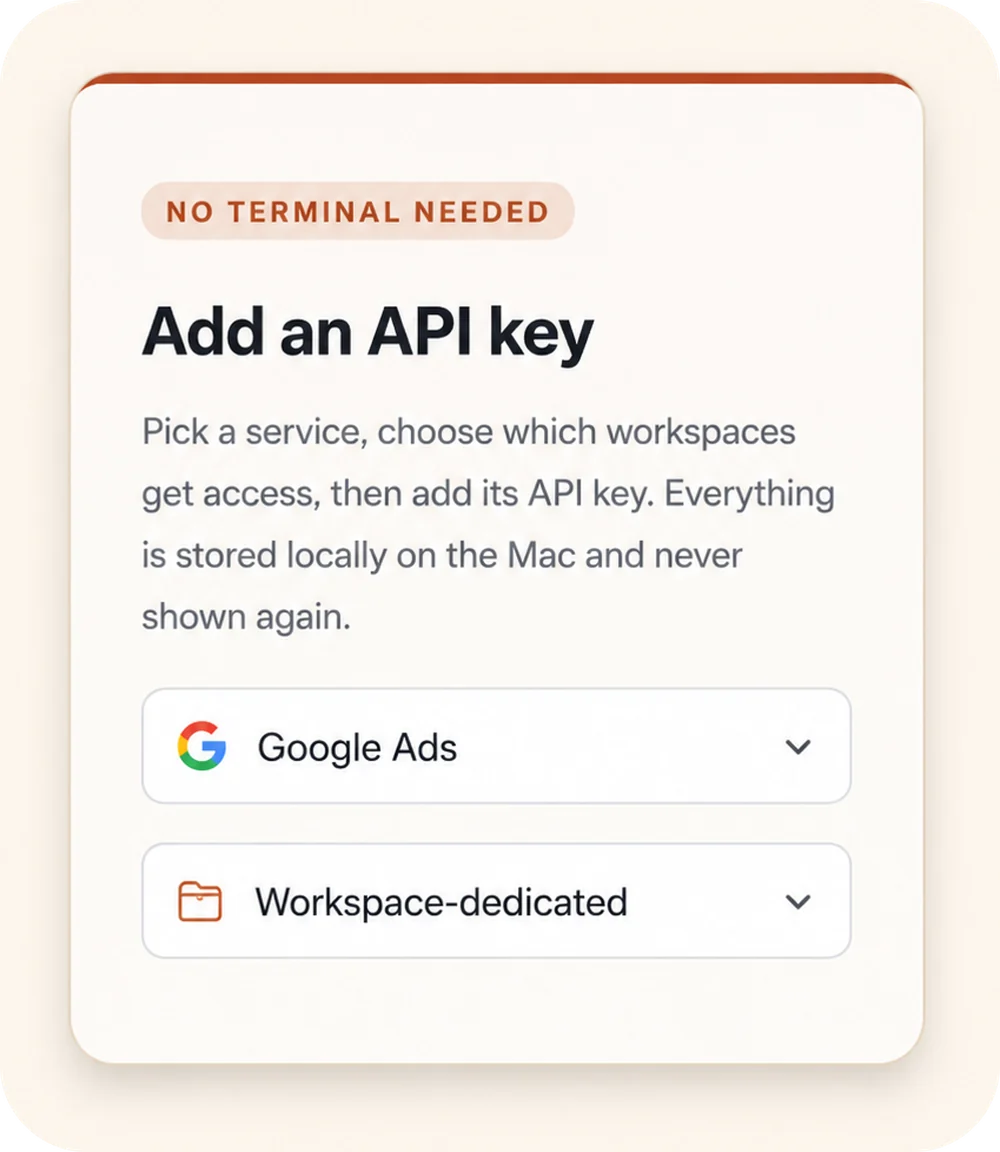
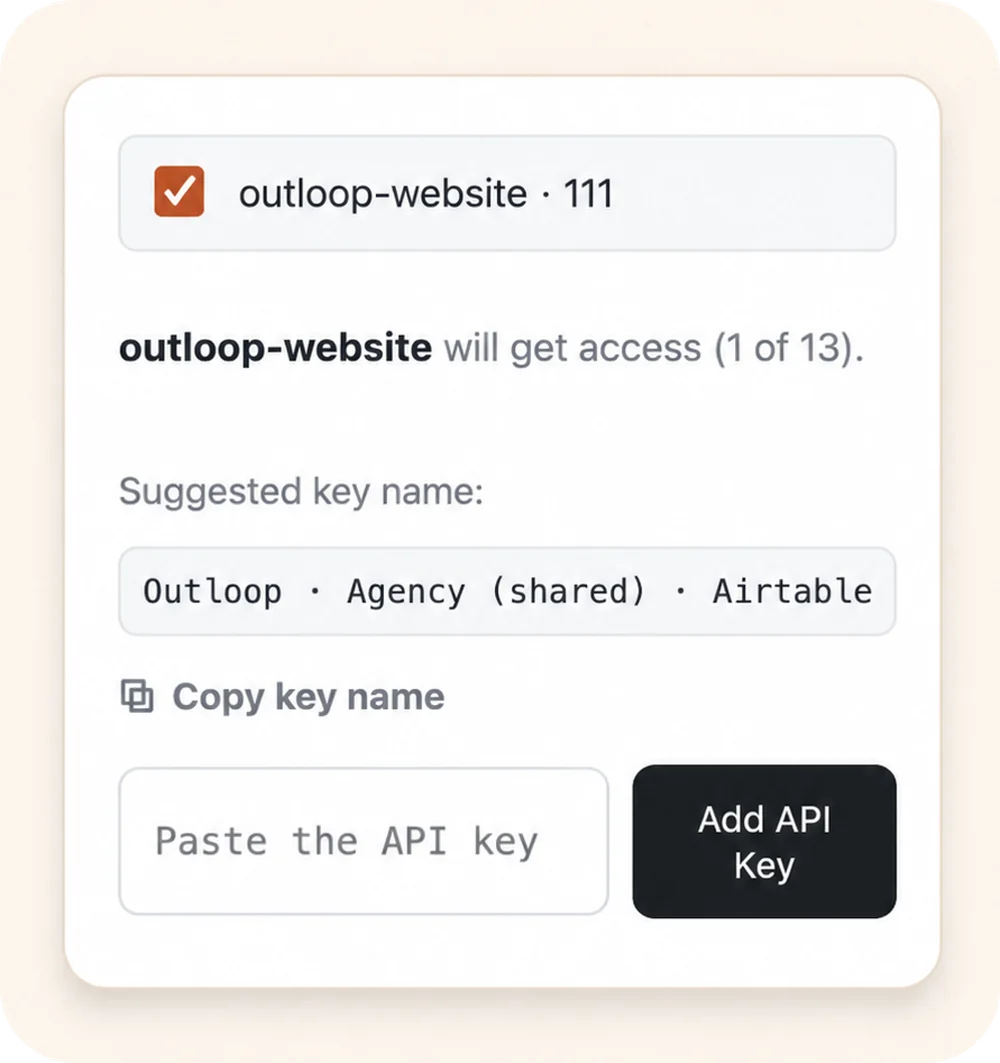
- →The agent requests approved access, not keys. It asks for a Drive action — upload this file, move that one — and never receives a credential.
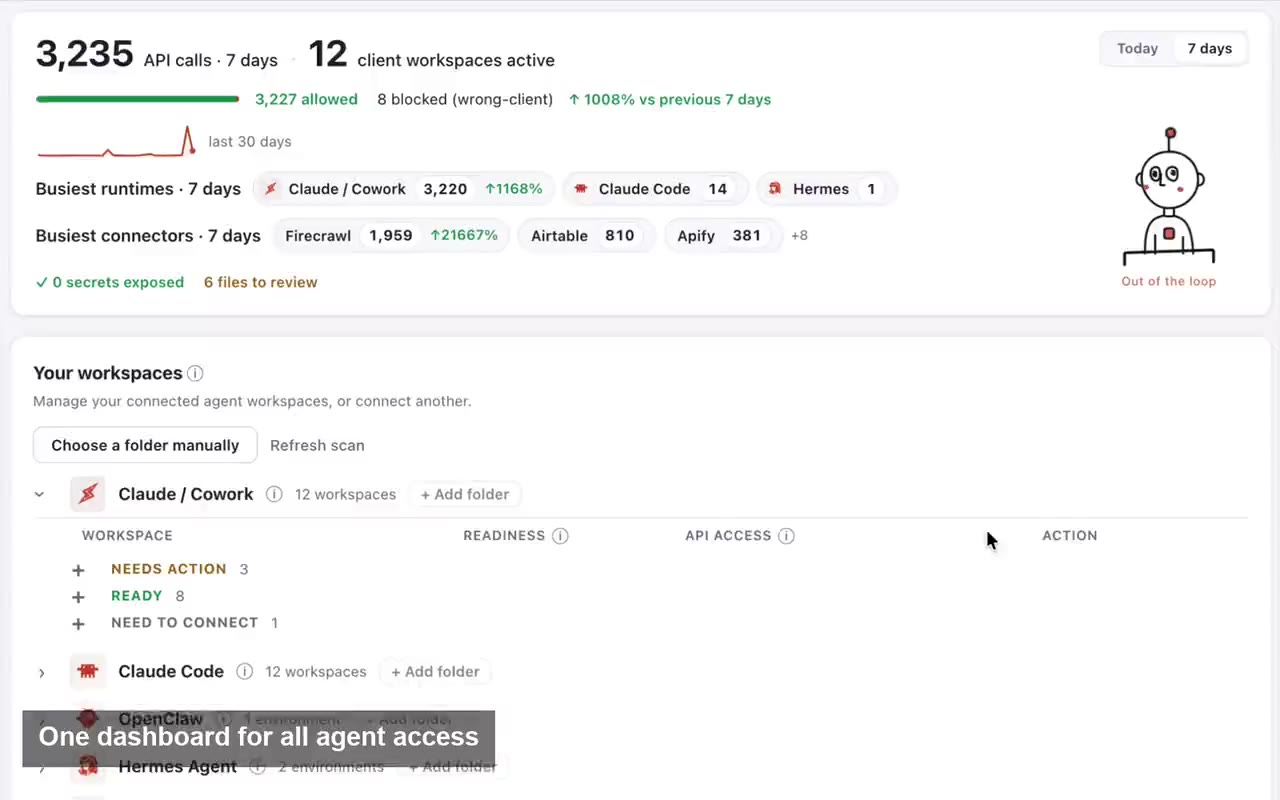
- →Outloop checks workspace, service, and capability policy. Is this the right client workspace? Is Drive granted here? Is this kind of file action an explicit capability? Wrong-client requests are denied before any call.
- →A local broker performs the Drive operation. The OAuth credential is applied host-side — used on the wire, never placed in agent context.
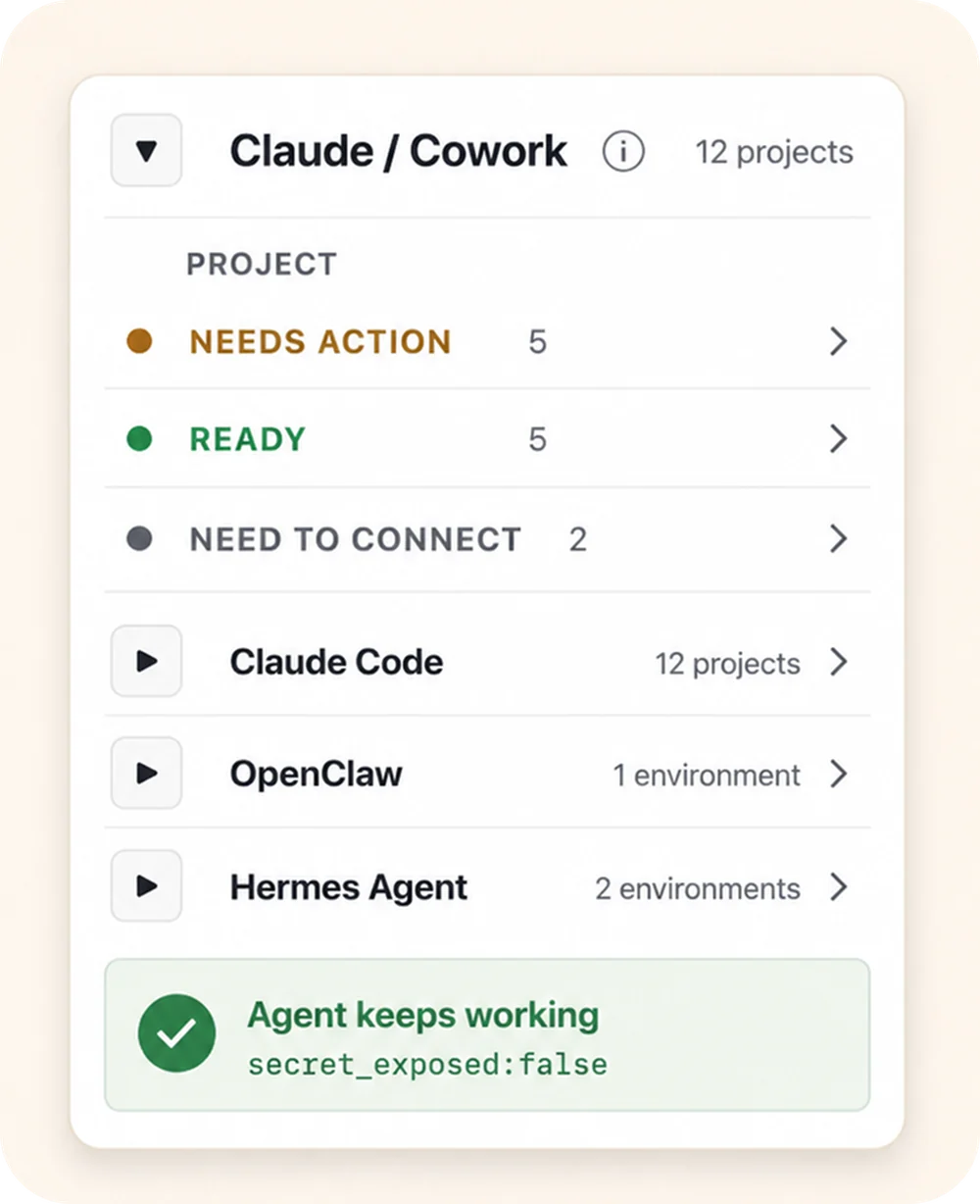
- →The result comes back redacted, and the audit is written. Every attempt lands in a redacted local audit with
secret_exposed:falseas the proof line.
Each action pays a small tax for the policy check, the host-side credential handling, and the audit write. In exchange, the workflow stops depending on a session, a UI, or sync timing — which is exactly what makes it fit scheduled and background agent workflows, where nobody is around to notice a breakage.
What happens when the agent requests a Drive action
- 01
Client task
Start with the intended client and a defined result.
- 02
Approved Workspace
Use this client’s Context, accounts and resources.
- 03
Supported action
Work through the approved API, browser or file path.
- 04
Reviewable result
Inspect the output and involve a person where required.
- 05
Work history
Keep the work record with the intended Workspace.
Conceptual workflow. Supported actions depend on the configured service, runtime and approved resources.
What was verified
This isn’t a roadmap. The rebuilt workflow was run end to end in a real internal workflow test — real image and video files, real Drive and Shared Drive operations, checksums compared, audit inspected:
| Operation | Verified result | Why it matters |
|---|---|---|
| Upload image | Checksum matched the bytes in Drive | Proves real file content landed correctly — not just a request that returned 200. |
| Upload video | Verified in a real workflow test | Proves the media path works for large assets, not only small documents. |
| Download | Byte-for-byte match with the source | Proves retrieval works for review, handoff, and downstream processing. |
| Move / rename / copy | Verified | Replaces the manual Drive UI filing a human used to do after the agent finished. |
| Trash / delete | Verified on proof-created files only, as an explicitly enabled capability | Supports workflow cleanup while destructive actions stay policy-controlled, not ambient. |
| Shared Drive operations | Verified inside the pinned boundary | Supports real agency folder structures — client work lives in Shared Drives, not My Drive. |
| Audit & redaction | secret_exposed:false on every action | Keeps credentials out of agent context and gives you proof of what ran. |
The sharp edges stay policy-controlled: destructive actions like delete are explicit capabilities, not a default — and public-link sharing and ownership transfer remain blocked by runtime policy regardless of OAuth scope. The full capability scope and setup live in the Google Drive + Shared Drives connector guide.
When speed matters — and when reliability matters more
Honest trade-off: a local or browser-based trick can feel faster per action, and Outloop adds latency because it verifies policy, routes the action safely, and writes the audit. If a human is sitting there clicking through a live flow, that per-action latency is real and you’ll feel it.
But most agency file work isn’t a human clicking. It’s a scheduled task filing last night’s renders, a queue-driven agent working through an Asana board, a background operator moving deliverables as they finish, an overnight run cleaning up scratch files. For those, stability beats raw speed every time — a workflow that is 2 seconds slower per file and never needs a human is worth more than one that is instant until the morning it isn’t.
Why this matters for AI agencies
- →More client workflows shipped — the file half of a workflow stops being the reason it never leaves the demo stage.
- →Fewer manual uploads — the agent finishes the filing instead of handing a checklist to a human.
- →Less wrong-client, wrong-folder risk — workspace pins and policy keep every file action inside the right client boundary, by construction.
- →Less API-key babysitting — no tokens pasted into agent workspaces, no rotating credentials out of chat logs. (Where this sits in the broader AI agent security picture: the runtime credential-access layer.)
- →Better proof for client operations — a redacted audit of every file action beats “trust us, the automation ran.”
MCP vs Outloop for Drive workflows
These solve different problems. MCP connects an agent to tools; it’s the interface layer. Outloop controls approved client access at runtime: which workspace may use which credential for which capability, with the secret applied host-side and every action audited. They can coexist in the same stack — and Outloop is not an MCP manager or an MCP replacement. If you run MCP-connected agents across several clients, MCP for multi-client API access covers how the two layers fit together.