AI agents for marketing · For multi-client agencies
Turn client briefs into work your team can review.
AI agents for marketing plan and perform tasks across tools: research, campaign preparation, reporting, content and file operations. What a worker can actually execute depends on its environment, approved access and the client’s review process.
- Client-specific Context
- Approved tools and files
- Human review before action
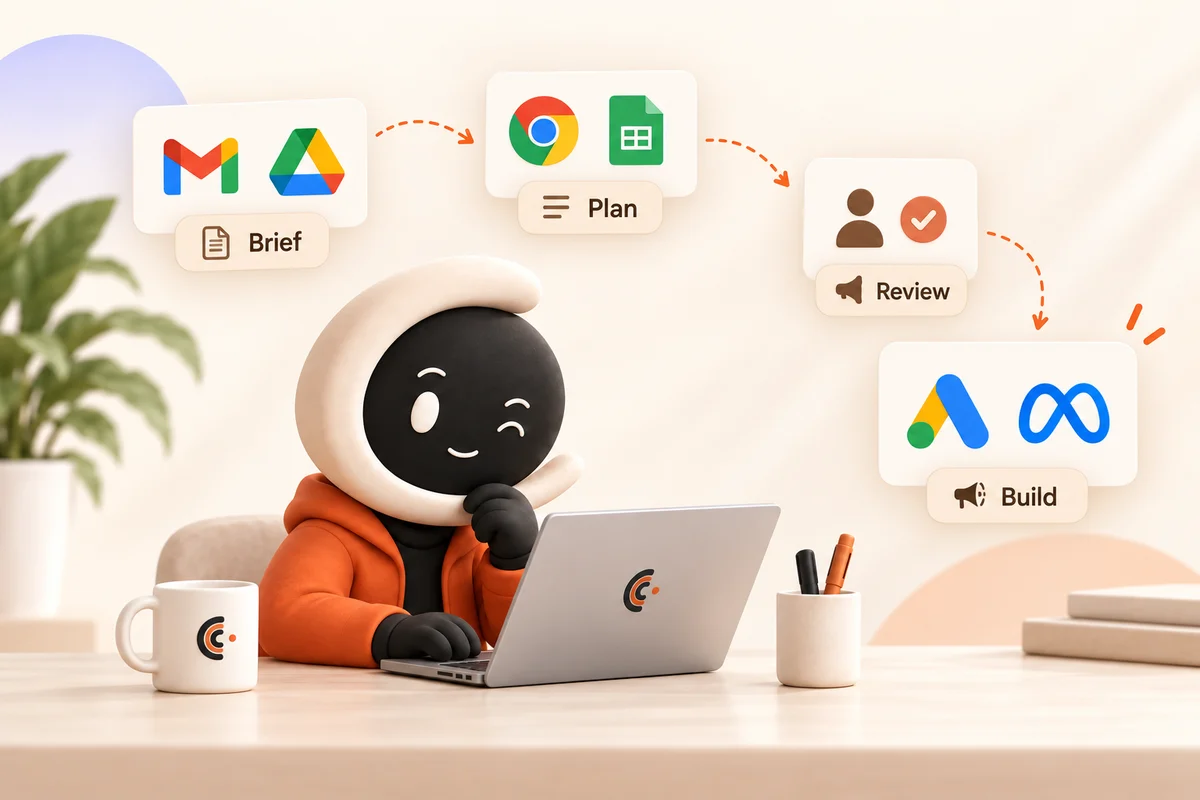
See what a marketing worker actually delivers.
Follow an approved brief through research, creative, human judgment and real campaign execution. The result is work your team can inspect, with campaigns kept PAUSED.
- Approved client Context and brand assets
- Human review before execution
- Real campaign objects, kept PAUSED
67-second Ellātu preview · Google Ads + Meta · No form required
Demo brief and assumptions. Real Google Ads and Meta execution, configured PAUSED. Review emails are labeled staged reconstructions. No delivery or performance claim.
Choose a job with a reviewable result.
These are example job scopes. Required access depends on the platforms and actions you approve for your workspace.
Campaign preparation
- Input
- An approved brief, product references and budget boundaries.
- Work
- Research, prepare creative and build the approved campaign structure.
- Reviewed output
- A campaign package and a PAUSED build, checked before activation.
- Required access
- Approved assets, research tools and write access to the intended ad account.
Content and file delivery
- Input
- A content brief, brand rules and exact asset references.
- Work
- Prepare content, name deliverables and file them in the agreed destination.
- Reviewed output
- Content and files checked for wording, identity and destination.
- Required access
- Approved source files, creative tools and the destination folder.
Reporting and review
- Input
- A reporting period, account list and agreed questions.
- Work
- Retrieve data, check completeness and assemble findings.
- Reviewed output
- A report with source dates, limitations and recommendations for review.
- Required access
- Read access to the right accounts and approved report files.
Watch the 84-second Google Ads build. The recording shows a PAUSED build and verification; it does not demonstrate every example above or improved campaign performance.
Still choosing your first job? Get the free playbook to map the workflow, access and review steps.
What the worker needs beyond a model
AI agents for marketing need approved client Context, the right system access, file handling and explicit approval boundaries. Context records what the client needs; it does not grant broader runtime permissions.
Providers have their own setup requirements. Your agency supplies its own accounts and authorization; Outloop cannot guarantee provider access reviews or every possible action.
Explore supported capabilities, runtime access and your first workspace. For agency operating use cases, see AI workers for marketing agencies.

Built by an agency operator
I'm Adam Argaman, founder of Outloop and CEO of a digital marketing agency.
After 15+ years across marketing, creative, data and systems—and 7+ years running client delivery—I built Outloop around the work agencies actually do.
The model needs a working environment: client Context, approved systems and clear human approval boundaries.
Before you start
Start with one client workflow
Put your first AI worker to work.
Create your trial. Download the Mac app. Set up your first workspace.
Want help mapping a workflow? Request an AI Workflow Review.
Company-controlled Mac · Setup guides + product support included · See plans and pricing