



Blotato is a useful tool if your goal is simple social publishing. If you already have a video available as a media URL, and you want to schedule it across social platforms, Blotato can be a good fit.
But AI-agent workflows are different. An AI agent does not just need to publish a finished file. In a real agency or creator workflow, the agent may need to find a video inside a workspace, read the thumbnail file, prepare metadata, check the right YouTube channel, request approval, upload the asset, verify status, and leave an audit trail.
That is where the difference matters. Blotato is a social scheduling layer. Outloop is a runtime access and workflow control layer for AI agents.
The simple version
Use Blotato when
- →Your video is already available through a reachable media URL
- →You want basic publishing or scheduling
- →You are distributing content across social platforms
- →You do not need deep YouTube-specific control
- →You already have your own approval process before calling the API
Use Outloop when
- ✓An AI agent needs approved access to APIs without seeing raw keys
- ✓The agent needs to work across tenants, clients, projects, or workspaces
- ✓You need approval before writes
- ✓You need audit logs
- ✓You need to keep credentials out of prompts, files, logs, or repo folders
- ✓You want native YouTube Data API workflows, not only a social scheduling abstraction
- ✓You want the agent to work with video files, thumbnails, and metadata inside a controlled runtime workflow
Why this matters for YouTube long-form workflows
Short social clips are relatively easy to automate. A small video can often be uploaded to a temporary URL, passed into a publishing tool, and scheduled.
Long-form YouTube tutorials are different. A real YouTube workflow may involve:
This is where a basic "send media URL to scheduler" workflow can become too thin.
What Blotato does well
Blotato is useful when the content is ready and reachable. For YouTube-style publishing, Blotato supports the common publishing fields:
That is enough for many social scheduling workflows. If your process is: create the video, put it at a public or reachable URL, send the URL to Blotato, and schedule the post — then Blotato can make sense.
Where Blotato becomes limited for AI-agent workflows
The limitation is not that Blotato is useless. The limitation is that Blotato is not designed to be the full runtime layer for AI agents. In our review of the documented API surface, the important gaps were:
- –No true dry-run mode
- –No API-level approval gate
- –No captions or subtitles field
- –No tags field
- –No chapters field at upload time
- –No category field
- –No language field
- –No post-publish metadata update endpoint found
- –No cancel or delete scheduled-post endpoint found
- –Media must already be reachable by URL, or uploaded through a presigned upload flow
For a human operator, this may be acceptable. For an AI agent working across client accounts, it creates risk. If the agent has direct publishing access and there is no approval gate, then the safety has to be built somewhere else. If the video file is local, private, or inside a workspace, the agent also needs a safe way to move that file without exposing temporary upload tokens or raw credentials.
The media URL problem
This is the key point. Blotato can publish media when it receives a media URL. But in a real workflow, the file may start in a local project folder, a shared drive, a client workspace, an app data folder, a generated video output folder, or a thumbnail folder.
A local path like this is not enough:
client-video/final-guide.mp4A cloud publishing service cannot read that path directly. The file must become reachable to the publishing service. That usually means one of two things:
- Upload the file somewhere public or reachable, then pass the media URL.
- Use a presigned upload flow, where the file is uploaded to the publishing provider first.
Both approaches can work. But both need to be handled carefully when an AI agent is involved. You do not want the agent to see raw upload tokens, API keys, OAuth tokens, or client credentials. You also do not want those values to land in logs, prompts, project folders, screenshots, or generated files. This is the same leak surface that makes a raw key in a config file risky for autonomous agents.
Where Outloop fits
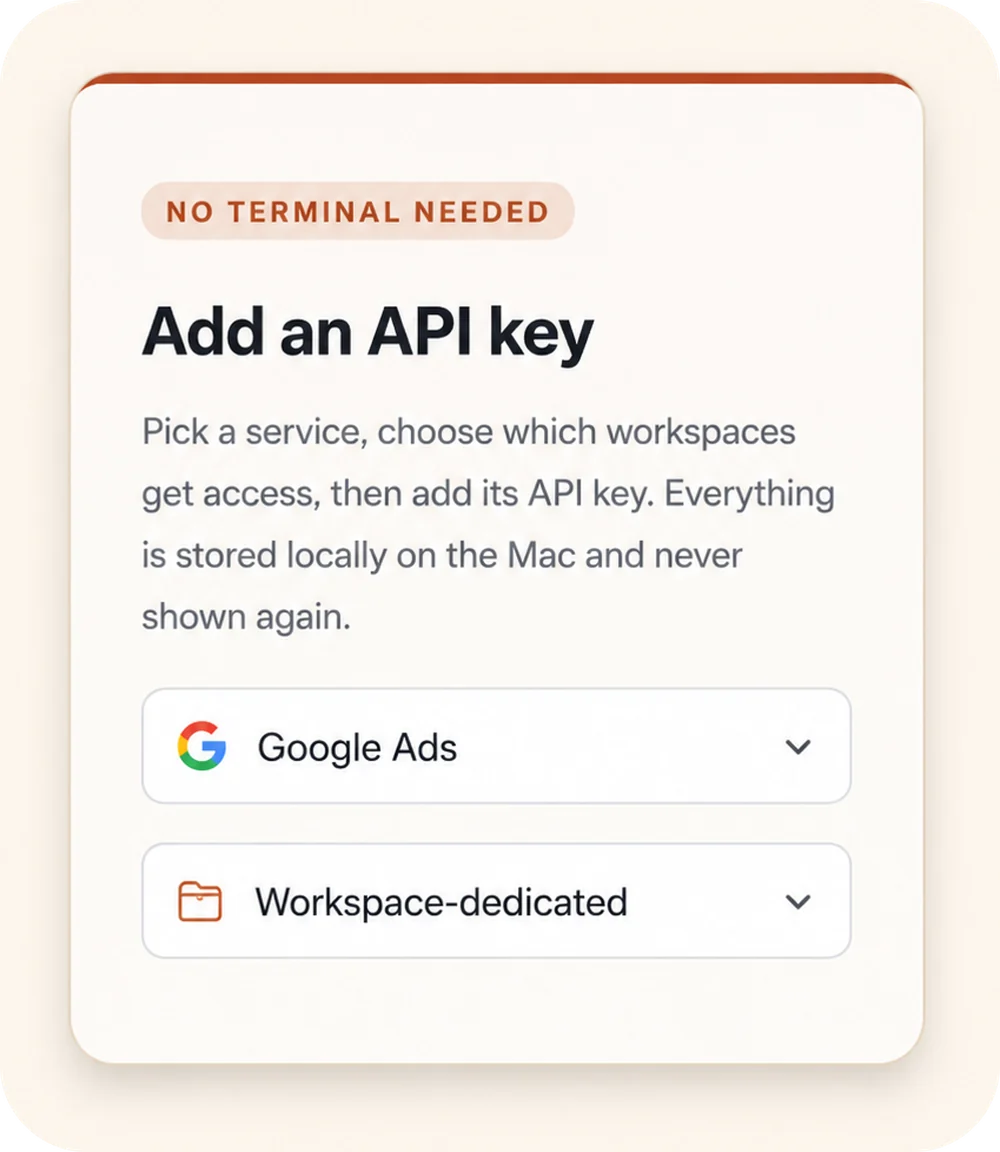
Outloop is not trying to be another social scheduler. Outloop is the safe runtime access layer around API access. With Outloop, the goal is:
- ✓The agent asks for approved access.
- ✓Outloop checks tenant, project, alias, host, policy, and runtime permission.
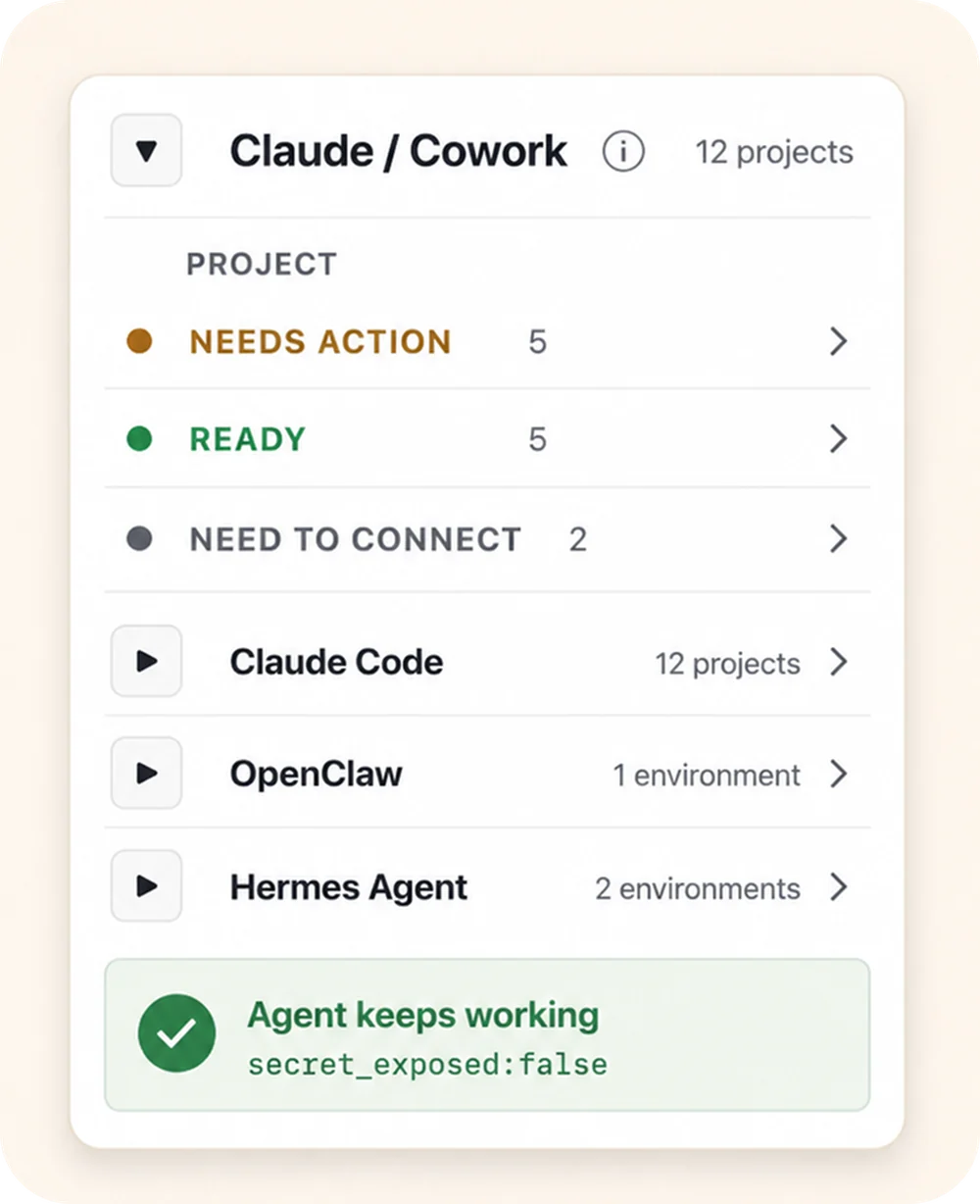
- ✓The secret stays in the approved backend; the agent never sees the raw API key or OAuth token.
- ✓Requests are audited and sensitive values are redacted.
- ✓Writes can require explicit operator enablement, and client / workspace boundaries are enforced.
What happens when the agent requests an approved API action
- 01
Agent request
The agent asks for an approved action or alias — not a raw key.
- 02
Policy & tenant check
Outloop checks project, tenant identity, and runtime policy before anything runs.
- 03
Local broker
On approval, the local broker uses the credential on the wire to perform the call.
- 04
Redacted result
The agent receives a sanitized, non-secret result. Raw values never enter its context.
- 05
Audit log
Every attempt is written to a redacted local audit — decision, tenant, service.
The agent never sees the credential. A wrong-tenant request is denied at the policy check, before any backend call.
That means Outloop can support two different workflows.
Workflow 1: Use Outloop with Blotato
This is the practical integration path. Blotato can still be the publishing layer. Outloop can be the safe access layer.
- The agent prepares a YouTube post package.
- The operator approves the title, description, thumbnail, channel, and schedule.
- The agent calls the Blotato API through Outloop.
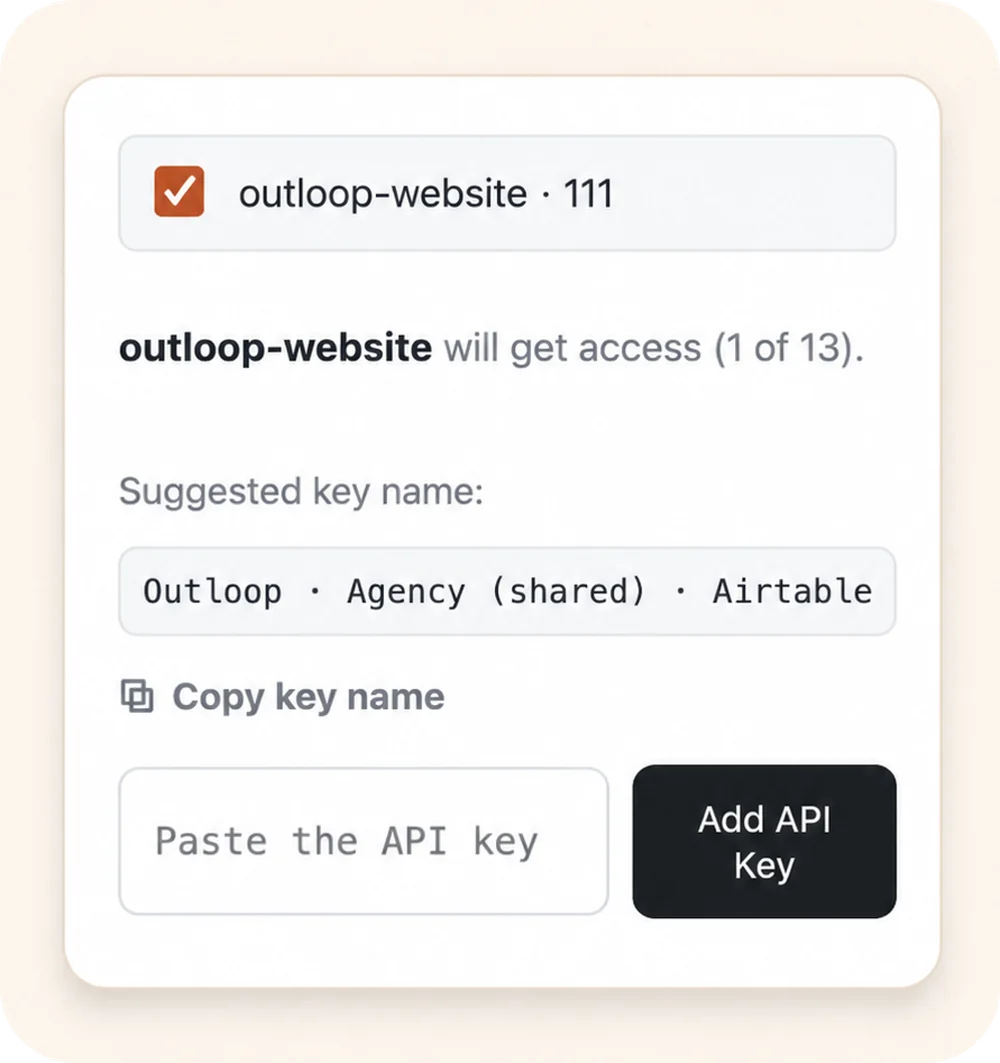
- Outloop injects the Blotato API key host-side.
- The agent never sees the Blotato API key.
- The request is audited.
- The post status is verified.
This gives agencies a safer way to use Blotato with agents. Blotato handles the social publishing; Outloop controls agent runtime access. If Blotato is not a built-in connector for your setup, the same pattern works through the custom API bridge.
Workflow 2: Use Outloop with the native YouTube Data API
Some teams need deeper control than a scheduling tool provides. For native YouTube workflows, the YouTube Data API can support more YouTube-specific operations than a general scheduler abstraction. This matters for workflows involving channel verification, video metadata, captions, playlists, thumbnails, post-upload updates, audit and approval, and client-specific account separation.
Outloop's role is to make this safer for agents. Instead of giving an agent a YouTube OAuth token or client secret, the operator grants approved runtime access. The agent can request actions, but the raw credential remains hidden. Our YouTube Data API setup guide walks through the OAuth scopes and channel binding; YouTube write actions are supported through approved workflows and enabled deliberately, not turned on by default.
For agencies managing multiple clients, this is the real difference. The problem is not only "can we upload a video?" — it is "can an AI agent upload the right video to the right channel, under the right policy, without seeing the credential?" That is the same shape as the wrong-client problem across every client API.
Comparison table
| Capability | Blotato | Outloop |
|---|---|---|
| Main role | Social scheduling and publishing | Agent runtime access, policy, audit, and API control |
| Best use case | Publish ready media from a reachable URL | Let agents safely work with APIs and files across projects |
| YouTube long-form upload | Supported when media is reachable | Possible through approved workflows and native API strategy |
| Custom thumbnail | Supported through thumbnail URL | Supported as part of a controlled media/API workflow |
| Captions / subtitles | Not found in documented Blotato API fields | Native YouTube API direction supports deeper control when enabled |
| Tags / category / language | Not found in documented Blotato API fields | Native YouTube API direction supports deeper control when enabled |
| Dry-run | No true API dry-run found | Approval and policy can be enforced before write actions |
| Approval gate | Must be built outside Blotato | Core workflow concept |
| Secret exposure | Agent needs safe handling around API-key usage | Raw credentials stay hidden from the agent |
| Audit | Tool-level status, depending on workflow | Runtime audit is core to the product |
| Multi-client safety | Requires external workflow discipline | Tenant / project / workspace policy is core to the product |
Blotato is not the enemy
Blotato can be useful. For social teams, creators, and agencies that already have media URLs and want to schedule content across platforms, Blotato can save time.
The issue is that AI-agent work creates a different category of problem. The agent needs controlled runtime access. It needs to know which client, which channel, which file, which action, and which approval state applies. That is not just scheduling — that is workflow governance.
The agency use case
Imagine an AI marketing agency managing 20 clients. Each client has a YouTube channel, a Google Drive folder, a thumbnail folder, a brand voice, a publishing calendar, a manager who approves final content, and different API credentials or OAuth grants.
A basic scheduler can help publish. But the agency still needs answers to harder questions:
- →Can the agent access the right client's files?
- →Can it avoid the wrong channel?
- →Can it prepare the upload without seeing raw credentials?
- →Can it request approval before publishing?
- →Can we prove what happened later?
- →Can we keep secrets out of files, logs, and chat?
- →Can we separate one client's access from another?
That is the Outloop problem — and it is the same pattern agencies hit across every client ad, analytics, and CRM API, not just YouTube.
Recommended setup
For teams that already use Blotato — use Blotato for distribution, and use Outloop to control how agents access Blotato:
- Store the Blotato API key in an approved backend.
- Create a tenant or workspace policy in Outloop.
- Allow only the approved Blotato API host.
- Let the agent prepare the post package.
- Require human approval before the final publish call.
- Call Blotato through Outloop.
- Verify status.
- Keep an audit trail.
For teams that need deeper YouTube control — use Outloop with the native YouTube Data API strategy:
- Connect the YouTube account through OAuth.
- Pin access to the right tenant, workspace, and channel.
- Start read-first.
- Verify the channel and metadata.
- Prepare the upload package.
- Require approval before writes.
- Enable upload / publish actions explicitly.
- Audit every request.
- Redact tokens, headers, and sensitive response values.
Bottom line
Blotato is a publishing layer. Outloop is a runtime access layer. If your AI workflow only needs to send a ready media URL to a scheduler, Blotato may be enough. If your AI agent needs to work with real client files, thumbnails, YouTube metadata, approvals, native APIs, and secret-safe execution, you need something deeper.
That is where Outloop fits. Outloop helps AI agents use approved API access without seeing raw credentials, while keeping tenant, project, workspace, policy, and audit boundaries in place. For modern agencies, this is the real unlock: AI agents should not need your API keys — they should request approved runtime access.