Compare
Should your AI worker run locally or in the cloud?
Last updated:
In short
Outloop is Workspace infrastructure for deploying and operating AI workers.
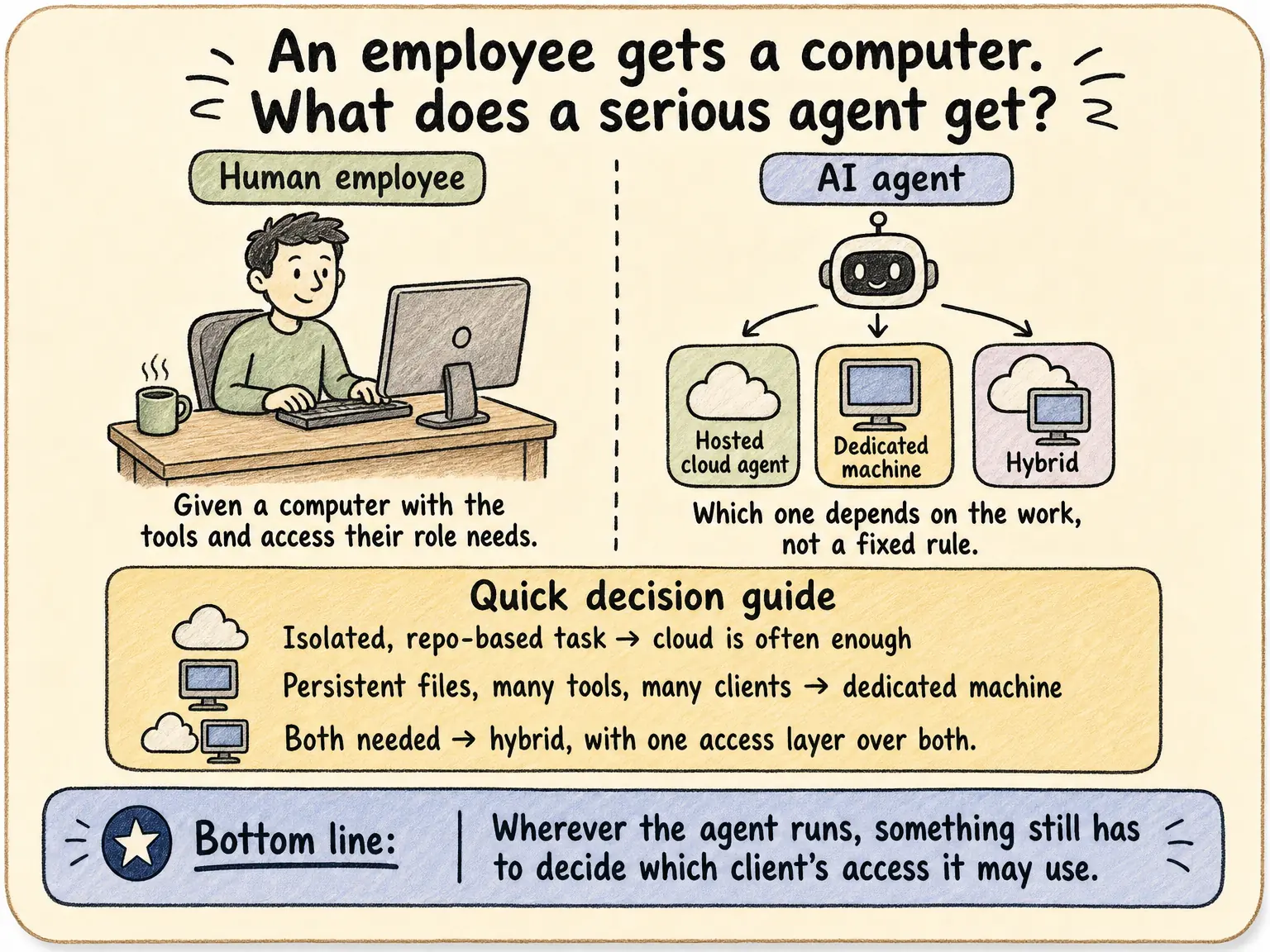
The best execution environment depends on the work. Cloud agents can provide persistent computers, recurring work and connections to local tools. A company-controlled workstation remains useful for installed apps, authenticated browser work, files and company networks. The client Workspace should remain clearly controlled either way.
| Dimension | Cloud execution | Company-controlled workstation |
|---|---|---|
| Access | Provider-supported tools and connections | Configured local apps, files and networks |
| Persistence | Depends on the platform and plan | Depends on machine and runtime setup |
| Operations | Provider and team responsibilities vary | Team maintains the machine and runtime |
| Economics | Model, compute, retries and review costs | Model, hardware, maintenance, retries and review costs |
| Client control | Verify identity and resource scope | Verify identity and resource scope |
Which of three decisions are you making?
| Question | What to evaluate |
|---|---|
| Where does the model run? | Cloud or local inference, workload quality, total cost, provider terms and task-data processing. |
| Where does execution happen? | Cloud computer, local workstation, or a combination—with the tools and resources the task requires. |
| Who controls the client Workspace? | Client identity, Context, approved accounts and resources, browser access, methods and work history. |
“Local-first AI agent” can mean different things. Ask which of these dimensions a product actually describes.
A cloud AI worker describes an execution setup; a durable Workspace describes the operating home around the work. Keep that distinction when choosing a model or machine. Define the Workspace first, then evaluate the environment.
Compare the operating requirements alongside cost.
- Access: can the approved environment reach the required applications, accounts, files and network?
- Persistence: what survives between runs, and what happens when a session or machine stops?
- Operations: who handles uptime, updates, authentication handoffs and recovery?
- Privacy and control: where is task data processed, under which provider terms, and who controls the Workspace? A local machine can still use a cloud model.
- Compute economics: compare accepted results at equivalent quality, not token price alone.
What does a completed workload cost?
Evaluate economics alongside access, privacy, persistence and operational requirements. Local execution does not automatically mean a local model, and a lower inference price does not automatically mean a cheaper completed task.
| Dimension | What to include |
|---|---|
| Model and runtime cost | Usage or subscription charges, workload volume and the supported model’s quality and tool capabilities. |
| Execution and operations | Cloud execution charges or local hardware, energy, availability and maintenance. Include required browser and application costs. |
| Cost to reach an accepted result | Retries, failed runs, latency and human review or correction. Compare equivalent workloads and acceptance criteria. |
| Cost to change options | Configuration, testing and custom adaptation. Check which Context, Skills, access, Routines and records remain usable. |
Use a lower-cost supported option for work it can complete reliably, and a frontier model where its capabilities are worth the cost. Smaller, open and local models may expand the options as suitability and runtime support are verified. No universal local-model parity or guaranteed savings follows from that direction.
Outloop’s Workspace keeps the client operating setup organized around supported runtimes. It does not automatically route work by price. Stable Routine continuity is proven between ready Claude Code and Codex; full provider/session migration and Hermes/local-model parity are not implied. See current runtime scope.
What do cloud agents already do well?
Cloud products reduce machine-management work and make execution reachable remotely. Persistent computers, schedules and browser tools are available in current offerings. Some also connect to local tools. Neither persistence nor long-running work is exclusive to local execution.
For example, OpenAI describes an always-on cloud computer and optional local access, while Daytona offers persistent sandbox infrastructure. These are different products and operating models, not a claim of feature parity with Outloop.
When does a company-controlled workstation matter?
- Authenticated browser work: persistent Chrome, approved login identities and supported sign-in recovery.
- Installed software: desktop applications and local tools required by the deliverable.
- Files: local projects, large downloads/uploads and intermediate working assets.
- Network access: VPN, internal systems and company-network resources where configured.
- Physical proximity: nearby systems or devices where the application and runtime support them.
Local Chrome mode supports the Workspace’s configured profile; separately configured profiles provide separate browser environments. Managed Browser instead uses a shared profile with approved identity and access. Phone/SIM and device workflows are environment-specific possibilities, not broad native Outloop integrations.
What happens when work changes surface?
A task may read an API, inspect a website, restore a supported sign-in, prepare a local file, ask for human review and continue. Outloop brings these supported execution paths together around client work. Browser Login has recorded recovery-and-continuation proof; that does not mean every interruption can recover automatically.
A refusal remains a refusal. Switching from API to browser must not become a way to act outside approved access.
Browser identity depends on the configured mode.
Local Chrome: a Workspace uses its configured Chrome profile for supported browser work and Browser Login. Separate configured profiles provide separate browser environments.
Managed Browser: supported recovery can continue on the same task page using an approved authenticated session. This mode uses a shared profile, not a separate profile per Workspace. Approved Workspace accounts and resource boundaries still apply to supported actions through Outloop.
How should agencies evaluate client control?
- Identify the client Workspace for the task.
- Check the login identity, account and exact resource.
- Inspect what the product retains when the runtime changes.
- Ask to see both a successful approved action and a refused out-of-scope action.
- Check what needs a person, and how completed work is verified.
Cloud platforms may offer their own isolation and account controls. Evaluate the configured behavior; do not infer it from hosting location. Read wrong-client prevention and what a client Workspace should keep.
Where does Outloop run today?
Outloop runs on a company-controlled Apple Silicon Mac, with macOS 13 or later and supported runtimes. Your Mac can be in the office or remotely managed by your company. Outloop does not provide the computer or a general cloud execution service.
Stable 1.45.0 Routines preserve instructions, schedule and history when switching between ready Claude Code and Codex runtimes. Complete migration between arbitrary machines, clouds and providers is not claimed as shipped. See current Product scope.
Which source should you check before choosing?
Provider references reviewed October 2, 2026. Product support changes; use current official documentation for your plan and setup.
- OpenAI: cloud computer and local access
- Anthropic: Cowork on web, desktop and mobile
- Daytona: persistent execution infrastructure
- Browserbase: human pause and resume
For specific problems, see Claude scheduled-task local access. For tool choice inside a workflow, see API versus browser execution.
The intended client, approved action and reviewable result
- 01
Client task
Start with the intended client and a defined result.
- 02
Approved Workspace
Use this client’s Context, accounts and resources.
- 03
Supported action
Work through the approved API, browser or file path.
- 04
Reviewable result
Inspect the output and involve a person where required.
- 05
Work history
Keep the work record with the intended Workspace.
Conceptual workflow. Supported actions depend on the configured service, runtime and approved resources.
See one configured workplace in action.
Follow an agency job from client Context to human review and verified campaign builds, then use the tradeoffs below to choose where your own workers should run.
An operating example, not a cloud-versus-Mac performance or security benchmark.
- Approved client Context and brand assets
- Human review before execution
- Real campaign objects, kept PAUSED
Create your trial, then install on your company-controlled Mac. Set up your first workspace.
67-second Ellātu preview · Google Ads + Meta · No form required
Demo brief and assumptions. Real Google Ads and Meta execution, configured PAUSED. Review emails are labeled staged reconstructions. No delivery or performance claim.